FrameDreaming turns a photo or a written prompt into a polished short-form video — generated in under a minute, ready to download and share.
Monthly plans or one-time Credits
Every clip below began as the still image behind it — generated with the same models and settings available on your account.
Every model we run, one click from a blank prompt. The workspace opens with your pick already selected.
37 ready-made templates — click any card to start from its prompt.
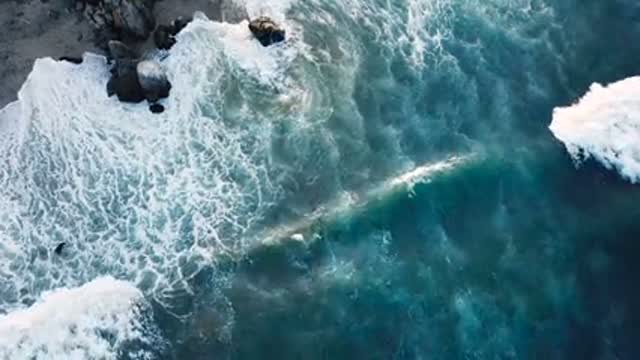
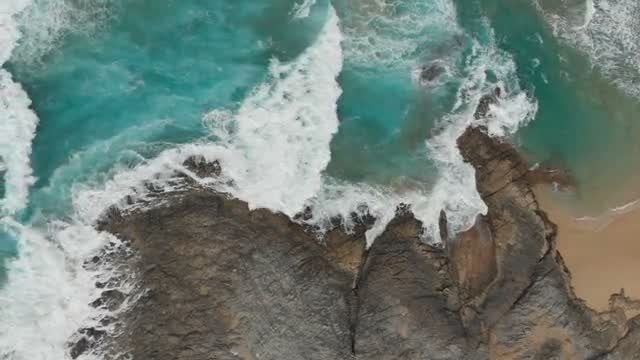
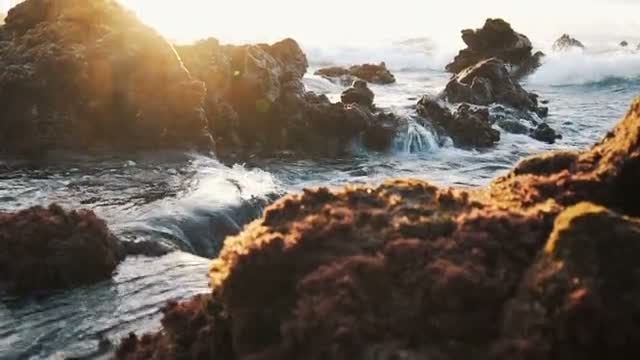





Upload any image and describe the motion you want — FrameDreaming animates it into a short, shareable clip.
No image? Write a prompt and pick a visual style — FrameDreaming generates the scene from scratch.
Upload or describe
Drop in a source image or write a short prompt describing the scene you want.
Choose your settings
Pick a model, aspect ratio, and duration — the USD price updates as you go.
Generate & download
Track progress in real time and download your finished video once it's ready.
Choose a monthly plan or buy one-time Credits. Web and iOS use the same prices and entitlements.
Pay once, spend it on any generation. What you pay is what lands in your balance — no fees taken out, no expiry.
250 Credits
of balance
520 Credits
of balance
1,350 Credits
of balance
2,750 Credits
of balance
Or choose your own amount
Prices are shown in Credits before you generate. Images are priced by model; video is priced by model, resolution and duration. Chat replies and image analysis also use Credits.
Web and iOS offer the same plans, Credits and entitlements. Stripe handles Web purchases and Apple handles iOS purchases; App Store prices may appear in local currency.
Yes. Starter, Creator and Professional renew monthly. Subscription Credits reset each period; one-time purchased Credits never expire.
Failed and cancelled wallet-funded generations return the reserved amount automatically. Failed web orders are refunded to the original payment method. A completed result is charged even if it differs from your creative preference.
Yes. Upload an image as the opening frame of a clip, or hand several reference images to the models that accept them to keep a character or setting consistent. You need the rights to anything you upload.
Video generation includes Seedance Fast, Seedance Pro, Seedance 2.0 Mini, Seedance 2.0, Seedance 2.5, Kling 3.0 Turbo, Kling 3.0, and Kling 3.0 Omni. The picker shows each model's supported resolutions, USD price per second, maximum duration, reference limits, and audio options before you confirm.